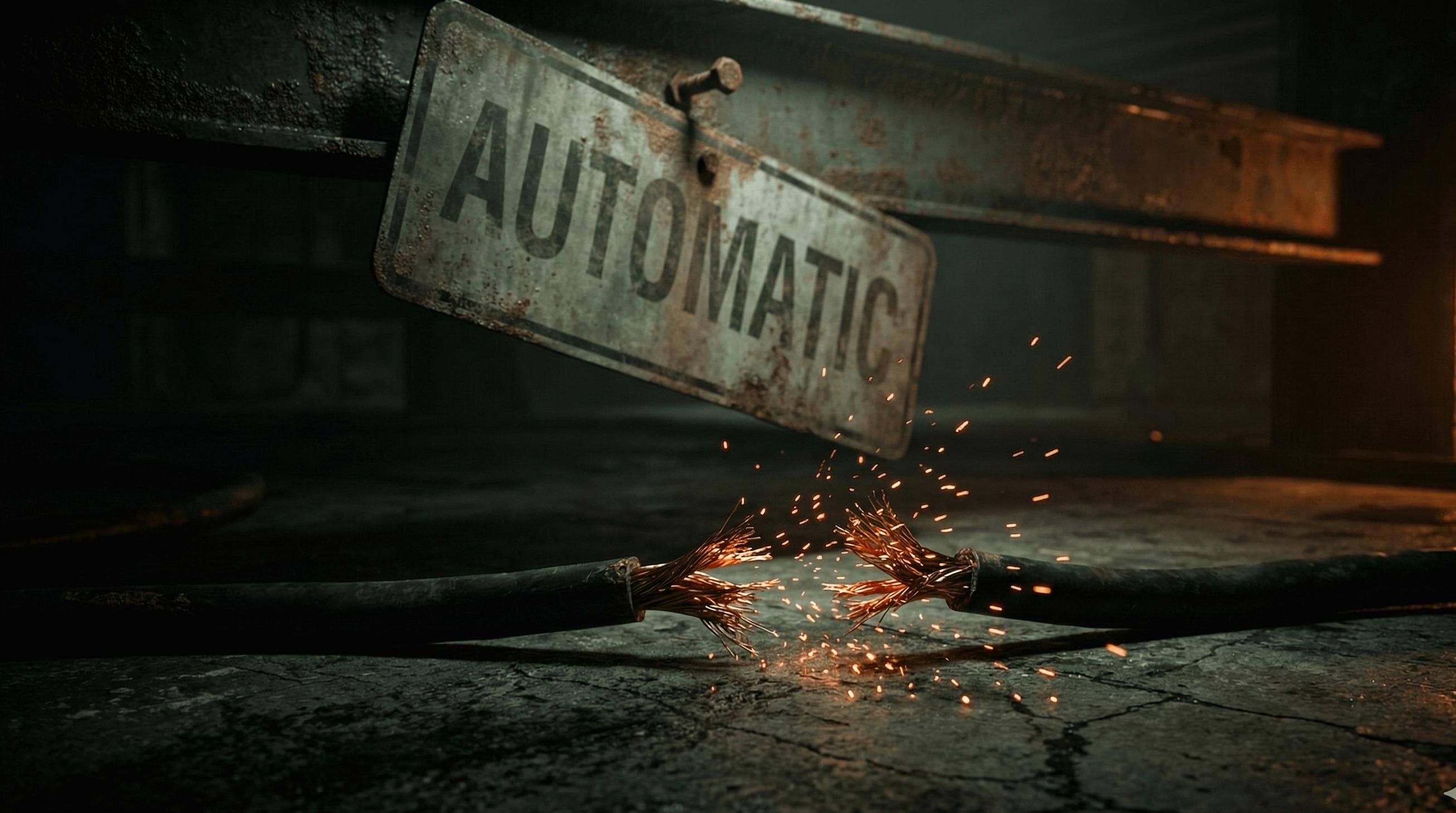
7 Automation Pitfalls That Will Cost You Thousands (And How to Avoid Them)
Written by
Go Rogue Ops Team
The Numbers Nobody Talks About
Let me share some numbers that should concern every business owner considering automation:
- 70-85% of automation projects fail (IBM, McKinsey, Gartner)
- Only 26% deliver expected ROI
- 95% of enterprises aren't getting meaningful value from AI (MIT, August 2025)
- 33% of DIY implementations fail completely
- 30% of automation budgets go to maintenance nobody planned for
These aren't outliers. This is the automation industry's dirty secret.
Here's what those failures look like in practice:
A mid-sized company spent $47,000 building an inventory automation system. It worked perfectly for 3 months. Then it silently started over-ordering. By the time someone noticed, they had $112,000 in excess inventory. They liquidated at 30 cents on the dollar.
Total loss: $78,000 + $47,000 implementation = $125,000.
The pitfall? They automated their broken procurement process without fixing it first. The system did exactly what it was told—it just automated chaos at 100x speed.
When 70-85% of projects fail and only 26% deliver expected ROI, we're not talking about edge cases. We're talking about an industry-wide problem.
The good news? Most automation failures follow predictable patterns. These 7 pitfalls account for 90% of the disasters we've seen—and every single one is avoidable.
Pitfall #1: Automating Broken Processes
If a process is broken manually, automation makes it broken at scale. 100x a broken process = 100x the mess.
Why This Happens
- Pressure to "automate everything"
- Assumption that automation = improvement
- Skipping process analysis entirely
- No waste elimination before building
Real Example
We consulted with a professional services firm that wanted to automate their client onboarding.
Current process:
- Sales creates deal in CRM (sometimes)
- Someone emails the contract (sometimes the right version)
- Client returns signed contract via email or DocuSign (both paths exist)
- Someone (who?) enters data in project management tool
- Someone (who?) sends welcome email
- Kickoff call scheduled (if someone remembers)
They wanted us to automate this. We said no.
First, we mapped the actual process. Turned out there were 3 different versions depending on who closed the deal. Some steps were duplicated. Others were skipped entirely. No single source of truth.
Instead of automating, we:
- Standardized to ONE process
- Eliminated 4 unnecessary steps
- Clarified ownership of each step
- Created checklist for manual execution
Only THEN did we automate the streamlined process.
Result: 73% faster onboarding, 0 missed steps, no error-prone automation.
How to Avoid This Pitfall
- Map the current process (flowchart it, warts and all)
- Identify waste (using lean methodology)
- Eliminate unnecessary steps (automation shouldn't preserve waste)
- Standardize what remains (one way to do it)
- THEN automate the clean process
This is why we lead with lean methodology, not technology. Fix processes first, then automate. If you can't explain your process in 5 clear steps, you're not ready to automate it. Read more about why you should stop automating broken processes.
Pitfall #2: The "Set It and Forget It" Myth
Assuming automation is maintenance-free is one of the most expensive mistakes businesses make.
Why This Happens
- Marketing promises ("set it and forget it")
- Agencies disappear after delivery
- No one explains ongoing requirements
- Belief that "automated" = "permanent"
The Reality Check
30% of automation budgets now go to maintenance—costs most businesses never planned for.
And users are waking up to this painful reality. Zapier's Trustpilot rating has cratered to 1.4/5 stars (71% one-star reviews). We analyzed the data in our Zapier reliability assessment. Common complaints:
- "Simple zaps either don't trigger at all, or trigger endless zaps at a time"
- "Cannot get a response from support"
- "We lost revenues because of the October 2025 outage"
The October 20, 2025 outage caused all-day downtime for businesses. Where were the consultants who built their workflows? Gone. This is the build-and-bail problem in action.
Real Example
Client built beautiful Zapier workflows with a freelancer. $8,500 investment. Everything worked great for 6 months.
Then Google changed their Sheets API authentication method.
All 12 Zaps broke overnight. Freelancer had moved to other projects (not available). Client spent 9 hours troubleshooting before finding someone to fix it at $200/hour rush rate.
Cost of "set and forget": $1,800 + 9 hours + stress + lost revenue.
Cost of $300/month maintenance: Would have been fixed same day, no client involvement.
Over 6 months: $1,800 emergency fix vs. $1,800 proactive maintenance. Except with maintenance, nothing breaks.
What Actually Requires Maintenance
- API changes (monthly occurrence)
- Model updates (GPT-4 → GPT-5)
- Integration updates
- Business process changes
- Scale issues (what works at 10/day fails at 100/day)
- Error handling (edge cases emerge over time)
How to Avoid This Pitfall
- Budget for maintenance from day 1 ($300-800/month typical, 30% of total automation spend)
- Include maintenance in ROI calculation (it's not optional)
- Set up monitoring (know when things break)
- Document everything (no knowledge black holes)
- Have a support plan (us or internal resources)
Maintenance isn't an upsell. It's the reality check the automation industry desperately needs. Read why the "set it and forget it" promise is a lie.
Pitfall #3: Over-Automating Too Soon
Automating everything when you should automate strategically is a fast track to wasted money.
Why This Happens
- Excitement about automation possibilities
- "Automate all the things!" mentality
- No prioritization framework
- FOMO (competitors are automating)
Real Example
Startup came to us wanting to automate 17 different processes.
We asked: "Which processes are you doing manually right now at consistent volume?"
Turns out:
- 9 of them happened less than 5x/month (not worth automating yet)
- 4 were still changing (process not stable)
- 2 required exceptions 50% of the time (automation would cause more work)
- Only 2 were good automation candidates
Instead of $45K to automate everything, they spent $6K automating the right 2 things. Saved $39K + avoided maintaining 15 automations that would break constantly.
The 80/20 Rule for Automation
- 20% of your processes cause 80% of your manual work
- Automate that 20% first
- Leave the rest manual until volume justifies automation
How to Avoid This Pitfall
- Track time spent on each process (2 weeks of data minimum)
- Calculate ROI for each automation candidate:
- Time saved annually × hourly rate = annual benefit
- Automation cost + $300/mo maintenance = annual cost
- ROI = benefit / cost
- Automate only processes with 3x+ ROI in Year 1
- Wait on low-volume, high-exception processes
Automation should solve real problems, not create busy work. We regularly tell clients "don't automate this yet" because we'd rather see them succeed than collect a project fee.
Pitfall #4: Ignoring Edge Cases
Automating the happy path but not handling exceptions leads to silent failures and angry customers.
Why This Happens
- Testing with perfect data
- Assuming all inputs are clean
- No error handling built in
- "It works in my test" syndrome
Real Example
E-commerce company automated order fulfillment.
Worked perfectly in testing (100 test orders, 0 issues).
Launched to production. Within 3 hours:
- 12 orders failed (international addresses not formatted correctly)
- 8 orders duplicated (customer pressed 'submit' twice)
- 5 orders routed wrong (product variants not mapped)
All errors went to void. No notifications. Orders lost.
Result: 25 angry customers, 15 chargebacks, $18,000 in refunds + lost trust.
Common Edge Cases
- Bad data (missing fields, wrong formats)
- Duplicates (user error, API retries)
- Timing issues (race conditions)
- API rate limits (hit when scaling)
- Third-party downtime (integrations fail)
- Unexpected inputs (users are creative)
How to Avoid This Pitfall
- Test with dirty data (intentionally break things)
- Build error handling (catch exceptions, log them, notify someone)
- Add human checkpoints for high-stakes actions
- Monitor error rates (trends show emerging issues)
- Have fallback process documented
The difference between amateur and professional automation is error handling. Amateurs build the happy path. Professionals plan for failure. When things do break, follow our step-by-step troubleshooting guide to diagnose and fix issues quickly.
Pitfall #5: No Documentation or Knowledge Transfer
Only one person understands the automation—and then they leave.
Why This Happens
- Freelancer builds and disappears
- Internal "hero" who built it moves to new role
- "It works, why document it?" thinking
- Assumed knowledge never written down
Real Example
Developer built 23 Zapier workflows for operations team. Super helpful guy, documented nothing.
He left for new job.
3 months later, a workflow breaks. Team has no idea:
- How it works
- Where the error is
- How to fix it
- Who to call
They hired a new freelancer to "figure it out." Cost: $3,200 + 2 weeks of broken workflow.
Original documentation would have taken 4 hours.
What Creates Knowledge Black Holes
- No process documentation (how should it work?)
- No technical documentation (how does it actually work?)
- No access documentation (where are credentials?)
- No decision documentation (why was it built this way?)
- No contact documentation (who do we call?)
How to Avoid This Pitfall
Require these deliverables:
- Process flowchart (visual of what happens)
- Technical spec (which tools, which API endpoints, authentication details)
- Access inventory (all usernames/passwords/API keys with context)
- Decision log (why we chose this approach over alternatives)
- Support contact (who to call if it breaks)
- Video walkthrough (screen recording of how it works)
We transfer knowledge, not hoard it. Every project includes full documentation and video walkthrough because we've seen too many businesses held hostage by "the only person who knows."
Pitfall #6: Wrong Tool for the Job
Using Zapier when you need custom code (or vice versa) wastes money and creates fragile systems.
Why This Happens
- Using familiar tool regardless of fit
- Not knowing alternatives exist
- Cost pressure (choose cheapest option)
- Advice from people with one tool in toolbox
Real Example
Company tried to build complex approval workflow in Zapier.
Requirements:
- Multi-step approvals (3 levels)
- Conditional routing (different approvers based on amount)
- Audit trail (who approved what when)
- Override capability (CEO can bypass)
After 2 months and $12K trying to make Zapier work: it didn't. Too complex.
We rebuilt in n8n with custom code in 3 weeks for $8K. Works perfectly.
Tool Selection Guide
| Tool | Best For | Not Good For |
|---|---|---|
| Zapier | Simple 2-3 step workflows, standard integrations | Complex logic, custom apps, high volume |
| Make | More complex logic, visual workflows | Very high volume, need for full control |
| n8n | Self-hosted, unlimited complexity, full control | Non-technical teams, quick setup |
| Custom code | Maximum control, highest reliability | Simple workflows, limited budget |
How to Avoid This Pitfall
- Map requirements first (before choosing tool)
- Consider volume (transactions/day matters)
- Evaluate complexity (steps, conditions, exceptions)
- Calculate 3-year TCO (not just setup cost)
- Get expert opinion (free consultation can save thousands)
We're tool-agnostic. We use whatever actually solves your problem, not whatever we happen to know. That means sometimes we recommend building less than you want, because simpler is better.
Pitfall #7: No Success Metrics or Monitoring
Building automation without defining success or tracking performance leads to invisible failures.
Why This Happens
- "It works" is enough (it's not)
- No baseline metrics before automation
- Assuming positive impact
- No one assigned to monitor
Real Example
Company automated their quote generation process.
6 months later, we asked: "Has this improved close rates or response time?"
Answer: "We think so?"
We checked:
- Average quote response time: Unchanged
- Close rate: Actually down 8%
- Time saved: Zero (automation added steps)
Turns out the automated quote was missing key personalization that the sales team used to add manually. Removing it hurt relationships.
They'd been using broken automation for 6 months without realizing.
What to Measure
BEFORE automation:
- Time spent on process (hours/week)
- Error rate (% of transactions with issues)
- Speed (how long each instance takes)
- Cost per transaction
- Customer/team satisfaction
AFTER automation:
- All of the above (for comparison)
- Automation uptime/reliability
- Cost per transaction (including maintenance)
- ROI realized vs projected
How to Avoid This Pitfall
- Set baseline metrics (2-4 weeks before automating)
- Define success criteria (what improvement means success?)
- Assign owner (someone monitors weekly)
- Monthly review (are we getting ROI?)
- Quarterly optimization (what can we improve?)
Automation without measurement is hope, not strategy. We include quarterly reviews with all maintenance plans because what gets measured gets improved.
The Automation Readiness Checklist
Before you automate anything, verify these five areas:
1. Process Audit
- ☐ Process is documented and standardized
- ☐ Waste has been eliminated
- ☐ Process is stable (not changing every week)
- ☐ Process has consistent volume (happens regularly)
- ☐ Process has clear success criteria
2. Tool Selection
- ☐ Requirements mapped before tool chosen
- ☐ Tool matches complexity needs
- ☐ Tool matches volume needs
- ☐ Tool fits budget (including maintenance)
- ☐ Team can manage tool (or has support)
3. Implementation Plan
- ☐ Edge cases identified
- ☐ Error handling designed
- ☐ Monitoring plan in place
- ☐ Success metrics defined
- ☐ Baseline metrics captured
4. Knowledge Transfer
- ☐ Process documentation created
- ☐ Technical documentation completed
- ☐ Access credentials documented
- ☐ Video walkthrough recorded
- ☐ Support contact established
5. Maintenance Plan
- ☐ Budget allocated for ongoing maintenance
- ☐ Monitoring set up (alerts for failures)
- ☐ Review schedule established
- ☐ Someone assigned to monitor
- ☐ Support/escalation path defined
We turn down 30% of automation projects because they're not ready. Not because we don't want the revenue—we do. But because we'd rather see you succeed with the right automation at the right time than fail with any automation right now.
The Pattern Behind All 7 Pitfalls
These 7 pitfalls account for 90% of automation failures:
- Automating broken processes
- The "set it and forget it" myth
- Over-automating too soon
- Ignoring edge cases
- No documentation
- Wrong tool for the job
- No success metrics
The pattern? Most failures are preventable with proper planning.
Automation isn't magic. It's a tool. Like any tool, it works when used correctly and fails when used carelessly.
The good news: you now know what to avoid. The better news: most of your competitors don't.
Question everything. Automate the rest.
Ready to Automate Without Falling Into These Pitfalls?
We offer a free 45-minute lean audit where we'll:
- Map your processes and identify automation opportunities
- Assess your readiness (are you ready to automate?)
- Identify potential pitfalls in your specific situation
- Recommend next steps (including DIY if that's best)
No sales pitch. Just honest assessment from people who've seen what works and what doesn't. We don't build and bail—we're here for the long term.
Share this article
Ready for automation that lasts?
Book your free 45-minute discovery call. We'll discuss your operations, identify waste using lean principles, and recommend which path (if any) makes sense for you.
Book Your Free Discovery Call